
PDF to Images
Turn PDF pages into clear images. Choose your format and resolution.
A small step to start.
One PDF · up to 50 MB and 100 pages
Drop files and we’ll take it from here.
or drop your files here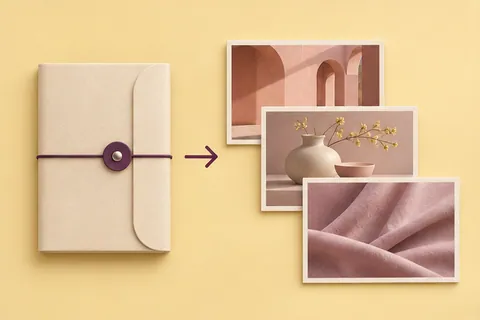
Your finished files will appear here, ready to download.
How to convert PDF pages to JPG or PNG
Export PDF pages as images for sharing, presentation slides, or reviewing a document one page at a time. Choose JPG for smaller photos or PNG for lossless image output.
- Drop one PDF document up to 50 MB, with no more than 100 pages.
- Select JPG or PNG and a resolution. Higher resolution uses more memory and creates larger files.
- Download individual page images or save the converted pages together as a ZIP.
Can I convert a password-protected PDF?
Password-protected PDFs are not supported by this interface. Open an authorized, unprotected copy before converting.
Why is the resolution of a very large page limited?
Pages are capped at 16 megapixels to reduce memory pressure. If a conversion is too large, choose a lower resolution or split the document before using the tool.
Yours stays yours.
The files and content you choose are processed on your device. These tools do not upload them to a conversion server.
How do I save my result?
Use the download button after processing. On a phone, your browser may show a preview or ask where to save the file.
What if a file does not work?
Check the supported format and size shown in the tool. Large files need more device memory; a smaller file or lower resolution can help.