
Image Compressor
Reduce image file size, choose a format, and keep the detail that matters.
A small step to start.
JPG, PNG or WebP · one image, up to 50 MB
Drop files and we’ll take it from here.
or drop your files here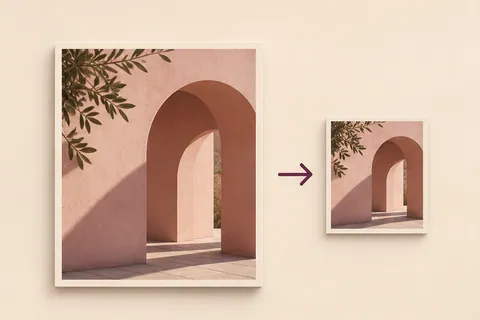
Your finished files will appear here, ready to download.
How to compress an image online
Reduce a photo or website image without sending it to a conversion server. JPG works well for photographs, WebP is useful for modern websites, and PNG preserves lossless output when you need it.
- Drop one JPG, PNG, or WebP image into the tool. Compression starts automatically.
- Choose a format, target size, and quality. The result updates after you change a setting.
- Check the preview and file size, then download the optimized image.
Can I compress an image to exactly 200 KB?
The size setting is a target, not a guarantee. Dimensions, detail, and the selected format affect the result. If needed, lower the quality or choose a smaller target.
Does image compression reduce quality?
Lossy JPG and WebP compression can remove detail. Compare the result before replacing an important original. PNG output is lossless, so its quality slider does not reduce the file in the same way.
Yours stays yours.
The files and content you choose are processed on your device. These tools do not upload them to a conversion server.
How do I save my result?
Use the download button after processing. On a phone, your browser may show a preview or ask where to save the file.
What if a file does not work?
Check the supported format and size shown in the tool. Large files need more device memory; a smaller file or lower resolution can help.