
QR Code Scanner
Read a QR code from a saved image or your camera. You choose what to open.
A code worth reading.
Drop a photo here, or choose a saved image with the full QR code in view.
The content of your code will appear here.
How to scan a QR code from an image or camera
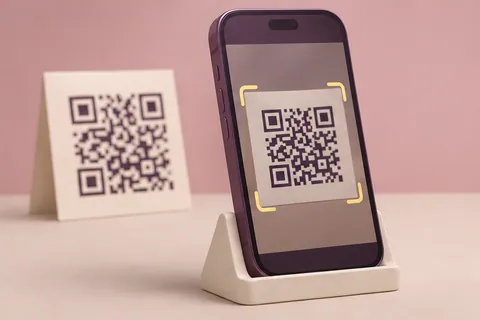
Read a QR code from a screenshot, saved photo, or your device camera. The tool displays the decoded content and lets you decide what to copy or open.
- Drop or choose a JPG, PNG, or WebP image with the whole QR code visible.
- For live scanning, choose Camera, select Start camera, and allow access.
- Review the result before opening a link. You can also copy the decoded text.
Why will the camera not start?
Camera scanning needs a compatible browser, a secure page, and camera permission. Another application may also be using the camera. Upload a saved image if camera access is unavailable.
Why can the scanner not read my image?
Try a sharp image with the entire code and its border visible. Cropping, blur, glare, or an image that is too small can prevent decoding.
Yours stays yours.
The files and content you choose are processed on your device. These tools do not upload them to a conversion server.
How do I save my result?
Use the download button after processing. On a phone, your browser may show a preview or ask where to save the file.
What if a file does not work?
Check the supported format and size shown in the tool. Large files need more device memory; a smaller file or lower resolution can help.